
Build a RAG solution that takes a few bullet points entered by users in a Microsoft Power Apps Canvas App, enriches them with content stored in Blob Storage, and returns everything in a nicely formatted response.
Simple enough… right? 😄
Well, this assignment became my first real dive into Azure AI Foundry, and coming from a Microsoft Power Platform background, this felt very different from what I was used to.
Azure AI Foundry quickly reminded me that when you start building AI solutions on Azure directly, infrastructure suddenly becomes part of the dev experience.
But honestly, I enjoyed the bumpy process. So read on to see what I did & how I built it:
0) What I was building
- A Microsoft Power Apps Canvas App where users enter bullet points
- The system retrieves relevant content from ~400-page Word documents in the background
- The response comes back as nicely formatted, “fancy legal language” grounded in those documents
So basically a pretty textbook agentic RAG setup 😊
The architecture looked like this:
- Blob Storage holds the documents
- Azure AI Search handles indexing and retrieval
- Foundry IQ / Knowledge Base orchestrates retrieval
- The Azure AI Foundry Agent queries the Knowledge Base through MCP and drafts the final response
1) Prerequisites
Before anything worked, I had to create a few Azure resources:
- Azure AI Foundry resource + Project
- Azure Blob Storage container with the Word documents
- Azure AI Search service
- A deployed model (
gpt-4.1-miniin my case)
And then came the RBAC part 👀
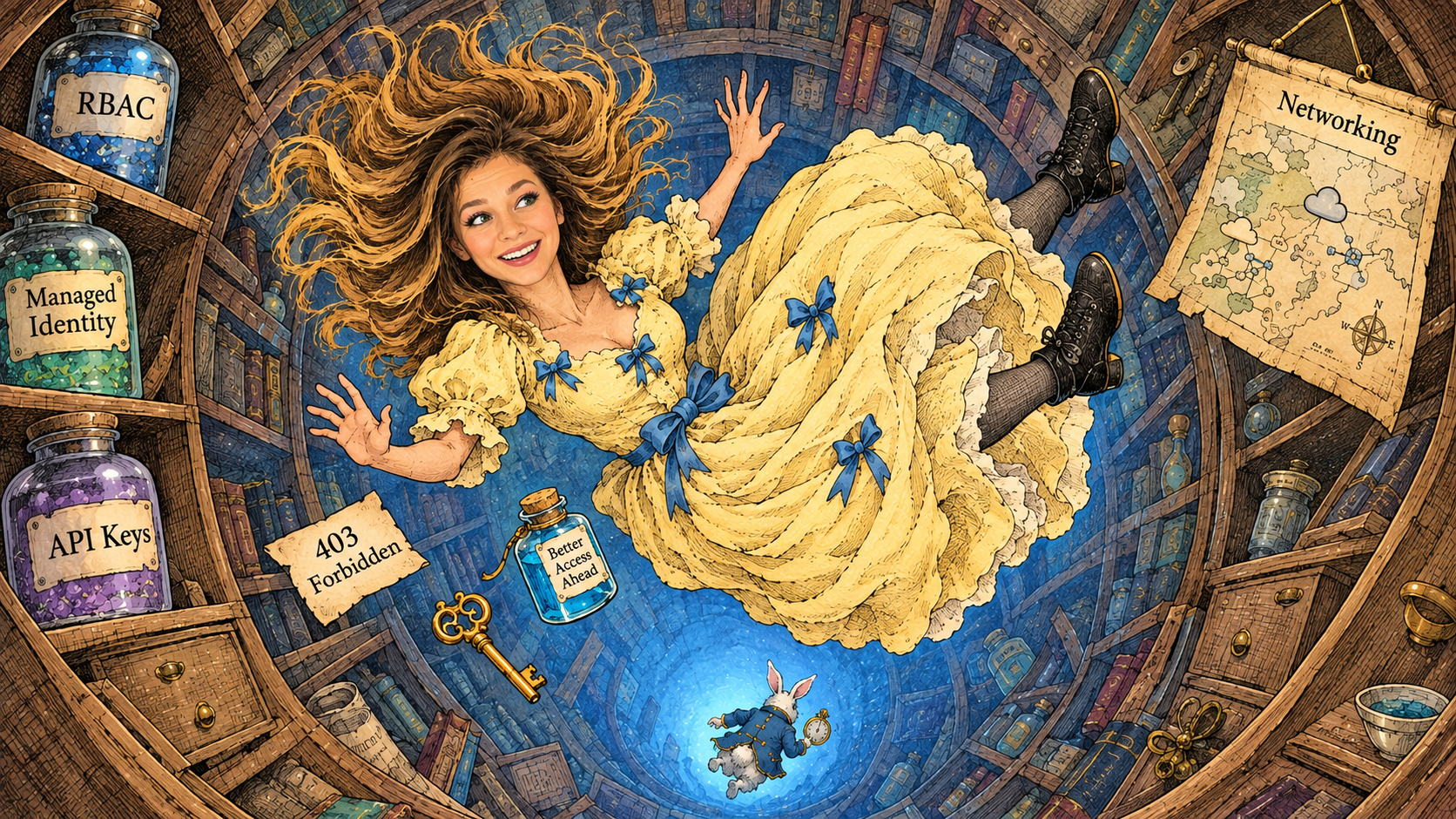
One thing I learned very quickly is that most mysterious Foundry failures eventually lead back to:
- permissions,
- managed identities,
- networking,
- or API access configuration.
The two most important permission chains for me were:
Query permissions on the Knowledge Base
To query the KB properly, the identity needs:
Search Index Data Reader
LLM permission chain
If the Knowledge Base uses an LLM, the Search service managed identity also needs:
Cognitive Services User
assigned on the Azure AI resource itself.
If you ever get: “Add role assignment disabled”, this basically means:
“You don’t have enough RBAC permissions to assign RBAC permissions” 😄 (your admin will help you further)
2) Creating the Knowledge Source (Blob → Search ingestion)
Inside Foundry IQ / Knowledge, I created a Knowledge Source pointing to Blob Storage.
This is where:
- storage account,
- container,
- embeddings model,
- authentication,
- extraction mode,
all get configured.
Once this step succeeds, Foundry automatically creates the underlying search assets behind the scenes:
- index,
- indexer,
- skillset,
- ingestion pipeline.
Which honestly felt pretty magical the first time it worked 😊
3) Creating the Knowledge Base
This part confused me initially.
Because a Knowledge Source alone is not something the Agent can directly use.
The Agent connects to a Knowledge Base, and the KB orchestrates retrieval across the connected sources.
In my case:
- sources existed,
- but the actual KB object hadn’t been created properly yet.
When creating the KB, I mainly focused on:
Output mode
I had two choices:
Extractive dataAnswer synthesis
For my scenario, Answer synthesis made the most sense because I wanted the model to transform retrieved content into legal-style drafting instead of simply quoting documents.
Retrieval instructions
This part is actually pretty important.
I used instructions along the lines of:
“Prioritize clauses describing obligations, responsibilities, conditions, penalties, and exceptions. Return phrasing suitable for formal contract language.”
This really improved retrieval quality.
4) Creating the Agent (the actual “RAG moment”)
Inside Foundry:
- Agents → Create Agent
- Select deployed model (
gpt-4.1-mini) - Add instructions
- Attach the Knowledge Base
Knowledge (Preview) → Add → Connect to Foundry IQ
The moment the agent successfully retrieved grounded content from the documents and transformed it into structured legal wording… that was the fun part.
5) The MCP 403 error (aka the final boss fight 😄)
The main issue I got stuck on for a while was:
HTTP 403 Forbidden while connecting to the MCP endpoint
The agent could see the KB connection attempt, but access to the MCP server itself was denied.
This ended up being a permissions chain problem:
- Search query permissions
- Managed identity configuration
Cognitive Services Userassignment- API access control
- Networking configuration
So yes… there was quite a bit of:
- enabling/disabling managed identities,
- checking API access modes,
- assigning RBAC roles,
- retrying ingestion,
- and staring at Azure error messages hoping for enlightenment 😄
But once the chain was correct, the entire flow finally worked inside Foundry:
- user enters bullet points,
- retrieval happens through the KB,
- the Agent augments the response with grounded content from Blob Storage,
- and the final answer comes back formatted in proper legal-style language.
Very satisfying moment 😊
Troubleshooting guide
A) “Failed to create knowledge source”
Pick your poison:
- insufficient RBAC to create underlying search objects [learn.microsoft.com]
- API access control mismatch (keys vs RBAC)
- identity not enabled / role assignment not possible
B) “No knowledge bases available”
- Knowledge sources exist, but KB wasn’t created/saved with required fields
- Fix: created KB, selected one source (at least), saved KB [learn.microsoft.com]
C) MCP 403 (agent can’t enumerate tools)
- Missing Search Index Data Reader for the principal used to query KB [learn.microsoft.com]
- Or missing Cognitive Services User in the Search→LLM chain when KB uses an LLM [learn.microsoft.com]
- Or MCP auth method misconfigured (key vs Entra vs OAuth) [learn.microsoft.com]
D) Tried to retrieve the Agent in an AI Prompt, but it says it can’t access documents
- AI Prompts only retrieve models, not Agents 🙄
- I wanted retrieval, so I had to call the Agent endpoint instead, or build a flow that retrieves snippets and injects them into the prompt. [learn.microsoft.com], [learn.microsoft.com]
So…conclusion? Harder than getting something started in Power Platform? Sure. I was kind of expecting that 😁😁😁. But I liked the process.
It forced me to better understand what actually happens underneath a RAG architecture:
- which service accesses the documents,
- which identity performs the search,
- how the embeddings connect to retrieval,
- and how securely all these resources communicate with each other.
Big difference compared to the low-code world I was used to. The amount of yak shaving needed just to get the agent working was significantly larger than PP.
In hindsight, maybe that’s what I liked most about this experience.
Because alongside prompts there’s this entire ecosystem around the AI that needs attention too 😊 Building AI solutions also means thinking about identities, permissions, storage, indexing, and how all the services around the model work together.
Key references:
- Agents ↔ Foundry IQ knowledge bases (MCP): Connect Agents to Foundry IQ Knowledge Bases
- MCP authentication options: Set up authentication for MCP tools
- Azure AI Search knowledge base query + MCP permissions: Query a knowledge base using retrieve or MCP
- Azure AI Search knowledge base creation prerequisites: Create a knowledge base
- Power Platform prompts usage in apps: Use your prompt in Power Apps
- “Bring your own Foundry model” in Prompt Builder (release plan): Use your own generative AI model from Azure AI Foundry in prompt builder